Maintaining a clean environment is vital for our physical health, and the same principle applies to our digital lives. Just as we practice personal hygiene to prevent illness, practicing good cyber hygiene protects us from cyber threats. In an increasingly interconnected world, where our data and devices are constantly at risk, understanding and implementing effective cyber hygiene practices is no longer optional—it’s essential for safeguarding our personal information, business assets, and overall digital well-being. Let’s dive into what cyber hygiene is and how to implement it effectively.
What is Cyber Hygiene?
Cyber hygiene refers to the routine practices and habits that users should adopt to maintain the health and security of their devices and networks. Think of it as brushing your teeth or washing your hands, but for your digital life. It’s about consistently applying simple, yet effective, measures to minimize vulnerabilities and protect against cyber threats.
Importance of Cyber Hygiene
- Reduced Risk of Cyber Attacks: Good cyber hygiene significantly lowers your susceptibility to phishing attacks, malware infections, and other common cyber threats.
- Data Protection: It helps protect your sensitive data, including personal information, financial details, and business secrets, from unauthorized access.
- Improved Device Performance: Regular maintenance, like software updates and disk cleanup, can enhance the performance and lifespan of your devices.
- Compliance with Regulations: Many industries are subject to regulations like GDPR and HIPAA, which mandate specific cybersecurity measures, including good cyber hygiene practices.
- Enhanced Trust and Reputation: For businesses, demonstrating a commitment to cyber hygiene can enhance customer trust and protect your brand reputation.
Practical Example: Securing Your Email
One fundamental aspect of cyber hygiene is securing your email. This involves:
- Using strong, unique passwords for your email accounts.
- Enabling two-factor authentication (2FA) whenever possible.
- Being cautious about clicking on links or opening attachments from unknown senders.
- Regularly checking your email settings for suspicious activity, such as unauthorized forwarding rules.
Strong Passwords and Account Management
A robust password strategy is a cornerstone of cyber hygiene. Weak or reused passwords are prime targets for cybercriminals.
Creating Strong Passwords
- Length Matters: Aim for passwords that are at least 12 characters long. The longer the password, the harder it is to crack.
- Complexity: Include a mix of uppercase and lowercase letters, numbers, and symbols.
- Avoid Personal Information: Don’t use easily guessable information like your name, birthday, or pet’s name.
- Use a Password Manager: Consider using a password manager to generate and store strong, unique passwords for each of your accounts. Examples include LastPass, 1Password, and Bitwarden.
Managing Your Accounts
- Regularly Update Passwords: Change your passwords periodically, especially for critical accounts like email and banking.
- Two-Factor Authentication (2FA): Enable 2FA on all accounts that offer it. This adds an extra layer of security by requiring a second form of verification, such as a code sent to your phone.
- Account Audits: Regularly review your online accounts and delete any that you no longer use. This reduces your attack surface.
- Be Mindful of Password Reuse: Never reuse the same password across multiple accounts. If one account is compromised, all accounts using that password are at risk.
Practical Example: Two-Factor Authentication
Imagine you have an online banking account. With just a password, someone who gains access to your password can log in. By enabling 2FA, even if your password is compromised, the attacker would also need access to your phone (where the verification code is sent) to access your account.
Software Updates and Patch Management
Keeping your software up-to-date is crucial for patching security vulnerabilities that cybercriminals can exploit.
Why Software Updates Matter
- Security Patches: Software updates often include critical security patches that fix known vulnerabilities.
- Bug Fixes: Updates can also address bugs and glitches that could be exploited.
- New Features: Updates can introduce new security features and improvements.
- Performance Enhancements: Keeping software updated can improve the overall performance and stability of your devices.
Implementing Patch Management
- Enable Automatic Updates: Turn on automatic updates for your operating systems, browsers, and other software.
- Stay Informed: Keep an eye out for security advisories and updates from software vendors.
- Promptly Install Updates: Don’t delay installing updates when they become available.
- Check for Updates Manually: Periodically check for updates manually, especially for software that doesn’t have automatic updates enabled.
Practical Example: Updating Your Operating System
Regularly updating your operating system, such as Windows, macOS, or Linux, is essential. These updates often include critical security patches that protect against the latest threats. Delaying these updates leaves your system vulnerable to exploitation.
Data Backup and Recovery
Regularly backing up your data is essential for protecting against data loss due to hardware failure, malware infections, or accidental deletion.
Why Backup Your Data?
- Protection Against Data Loss: Backups ensure that you can recover your data in the event of a disaster.
- Ransomware Recovery: If your system is infected with ransomware, a backup allows you to restore your data without paying the ransom.
- Accidental Deletion: Backups can help you recover files that you accidentally deleted.
- Hardware Failure: If your hard drive fails, you can restore your data from a backup.
Backup Strategies
- 3-2-1 Rule: Follow the 3-2-1 rule: Keep three copies of your data on two different media, with one copy stored offsite.
- Cloud Backups: Use cloud-based backup services like Backblaze, Carbonite, or Dropbox for automated and offsite backups.
- External Hard Drives: Use external hard drives for local backups.
- Regular Scheduling: Schedule backups regularly, such as daily or weekly, depending on your data volatility.
- Test Your Backups: Periodically test your backups to ensure that they can be successfully restored.
Practical Example: Cloud Backup
Using a cloud backup service automatically backs up your important files to the cloud on a regular basis. If your computer is stolen or damaged, you can easily restore your files from the cloud.
Network Security and Safe Browsing
Protecting your network and browsing habits is vital for preventing cyber attacks.
Securing Your Network
- Strong Wi-Fi Password: Use a strong password for your Wi-Fi network.
- Enable WPA3 Encryption: Use WPA3 encryption for your Wi-Fi network.
- Guest Network: Create a guest network for visitors to keep your main network secure.
- Firewall: Enable your firewall to protect against unauthorized access.
Safe Browsing Practices
- HTTPS: Ensure that websites you visit use HTTPS (Hypertext Transfer Protocol Secure). Look for the padlock icon in the address bar.
- Avoid Suspicious Websites: Be cautious about visiting websites that look suspicious or have a poor reputation.
- Ad Blockers: Use ad blockers to prevent malicious ads from infecting your system.
- Browser Extensions: Be careful about installing browser extensions, as some may be malicious.
- Phishing Awareness: Be aware of phishing scams and avoid clicking on suspicious links or providing personal information.
Practical Example: Identifying Phishing Emails
Phishing emails often contain spelling and grammatical errors, urgent requests, and suspicious links. Always verify the sender’s email address and avoid clicking on links or providing personal information unless you are certain of the sender’s legitimacy.
Mobile Device Security
Mobile devices are increasingly vulnerable to cyber threats and require specific security measures.
Mobile Security Best Practices
- Lock Screen: Use a strong passcode or biometric authentication (fingerprint or facial recognition) to lock your device.
- Install Updates: Keep your operating system and apps up to date.
- App Permissions: Review and restrict app permissions to minimize access to your data.
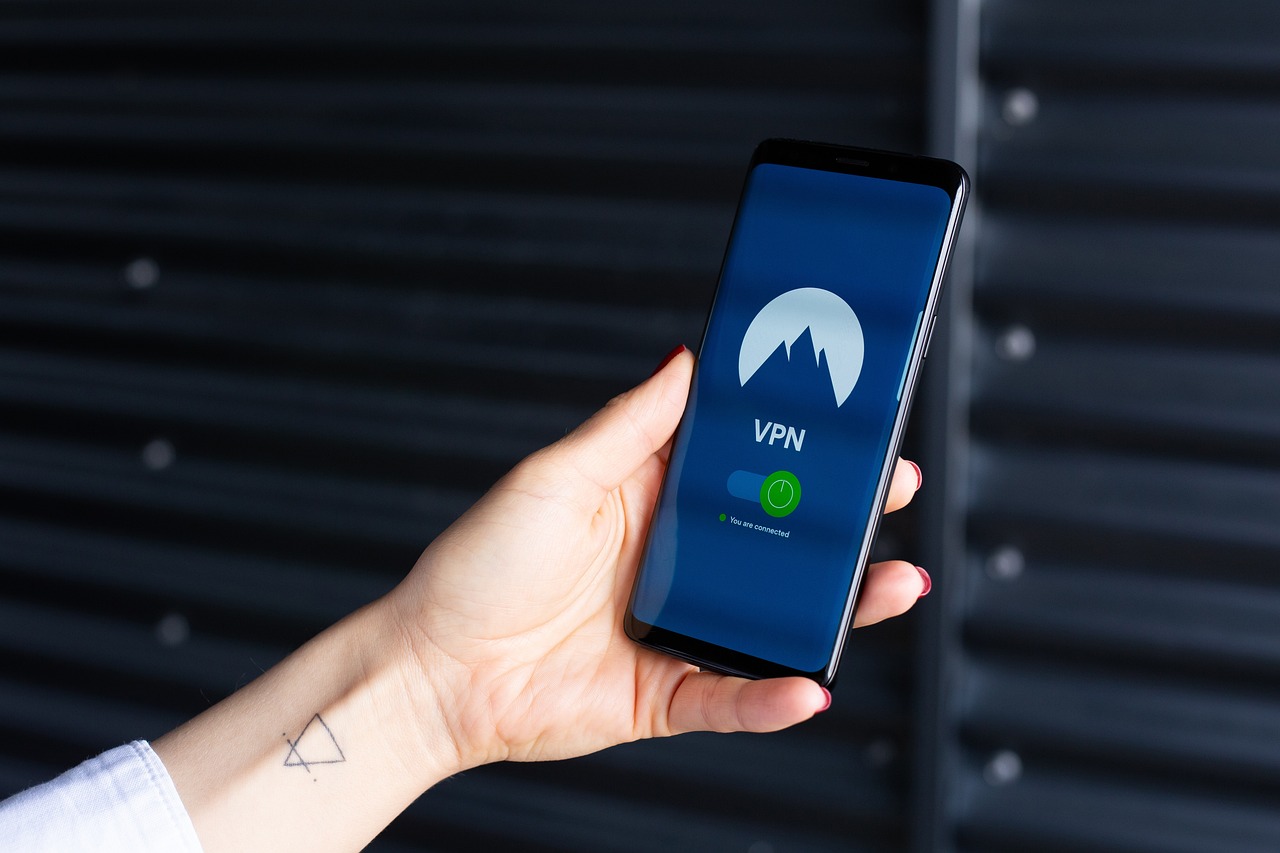
- Public Wi-Fi: Avoid using public Wi-Fi networks for sensitive transactions. Use a VPN (Virtual Private Network) to encrypt your traffic.
- Mobile Security Software: Consider using mobile security software to protect against malware and other threats.
- Remote Wipe: Enable remote wipe functionality to erase your data if your device is lost or stolen.
Practical Example: VPN Usage on Public Wi-Fi
When using public Wi-Fi at a coffee shop, your data is vulnerable to interception. By using a VPN, you encrypt your internet traffic, making it much harder for attackers to steal your data.
Conclusion
Practicing good cyber hygiene is an ongoing process that requires vigilance and commitment. By implementing the strategies outlined in this blog post, you can significantly reduce your risk of becoming a victim of cybercrime. Regularly reviewing and updating your security practices is essential to stay ahead of evolving threats. Remember, cyber hygiene is not just about protecting yourself; it’s about contributing to a safer and more secure digital world for everyone.
Read our previous article: AI: The Patient-Centric Revolution In Precision Medicine
Visit Our Main Page https://thesportsocean.com/