Protecting your Digital life in today’s interconnected world is more critical than ever. With cyber threats becoming increasingly sophisticated, relying solely on default security measures leaves you vulnerable. This article dives deep into the world of antivirus Software, providing you with the knowledge to choose the right solution and stay safe online. Let’s explore what antivirus is, how it works, and why it’s an essential part of your digital security strategy.
What is Antivirus Software?
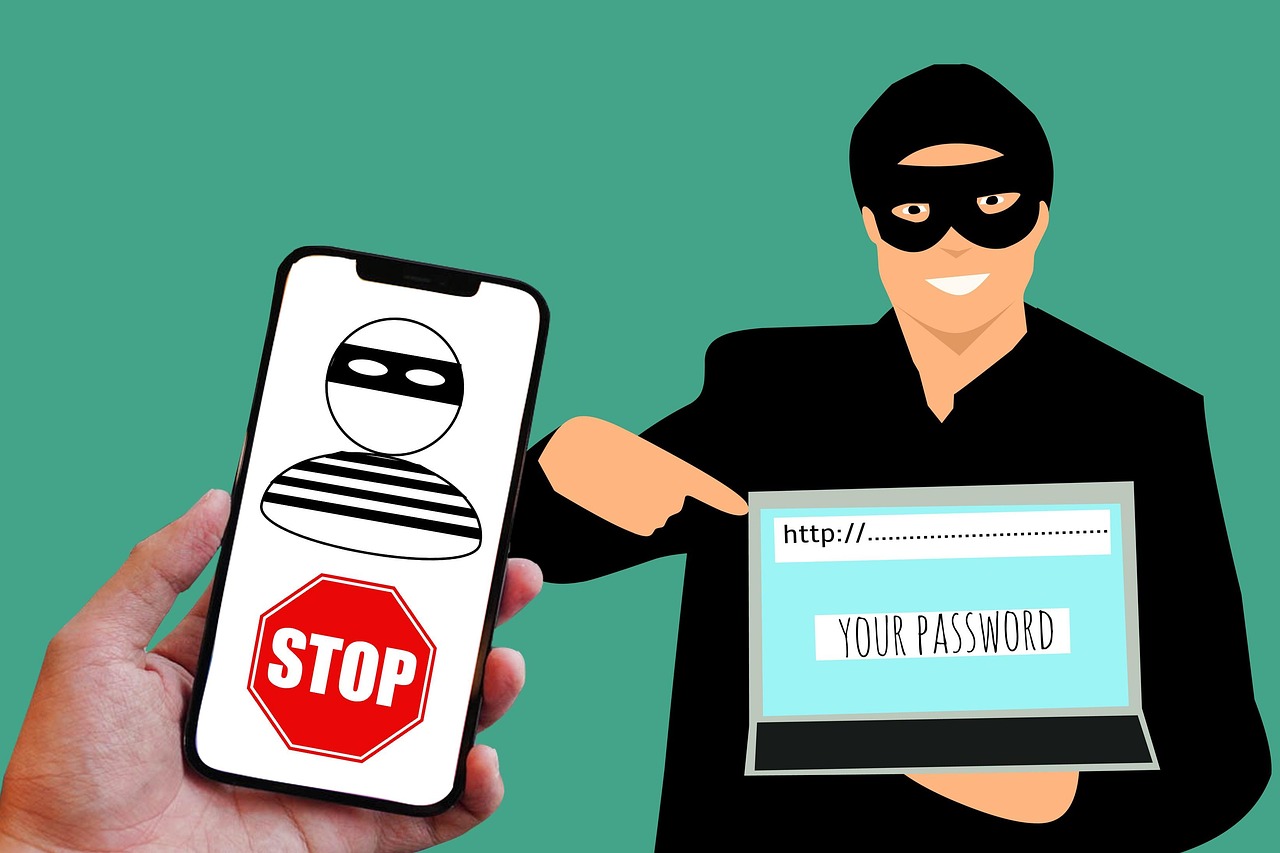
Antivirus software is a program designed to detect, prevent, and remove malicious software (malware) from your computer or device. This includes various types of threats such as viruses, worms, Trojan horses, ransomware, spyware, and adware. Think of it as the immune system for your digital devices.
How Antivirus Works
Antivirus software employs several techniques to safeguard your system:
- Signature-based detection: This is the most common method. Antivirus software maintains a database of known malware signatures. When a file is scanned, the software compares its code against these signatures. If a match is found, the file is flagged as malicious.
Example: Imagine a fingerprint database for criminals. If a file’s “fingerprint” matches one in the database, it’s identified as a threat.
- Heuristic analysis: This method analyzes the behavior of files and programs to identify suspicious activities. Even if a file’s signature isn’t in the database, its actions might indicate it’s malware.
Example: If a program suddenly starts modifying system files or attempting to connect to suspicious IP addresses, heuristic analysis will flag it.
- Real-time scanning: Antivirus software continuously monitors your system in the background, scanning files as you access them, websites as you browse them, and emails as you receive them.
Example: When you download a file, real-time scanning checks it before you even open it, preventing infection.
- Behavior monitoring: Similar to heuristic analysis, behavior monitoring observes how software behaves after it’s been running for a while. This helps identify malware that might be initially dormant or disguised.
Example: A seemingly harmless application that starts encrypting your files in the background would be detected by behavior monitoring.
The Evolution of Antivirus
Antivirus software has evolved dramatically over the years to keep pace with the ever-changing threat landscape.
- Early Days (Signature-based): Initially, antivirus relied solely on signature-based detection. This was effective against known viruses but offered little protection against new or modified threats.
- Heuristic Analysis Emerges: As malware became more sophisticated, heuristic analysis was introduced to detect zero-day exploits and polymorphic viruses (viruses that change their code to avoid detection).
- Cloud-Based Antivirus: Modern antivirus solutions often leverage cloud computing to analyze suspicious files and behaviors. This allows for faster detection and response to emerging threats.
Benefit: Cloud-based antivirus can share information about new threats with a vast network of users, providing collective immunity.
- AI and Machine Learning: Artificial intelligence (AI) and machine learning are now being used to predict and prevent malware attacks before they even occur.
Why You Need Antivirus Software
In today’s digital landscape, antivirus software is no longer optional; it’s a necessity. The risks associated with malware infections are significant and can have far-reaching consequences.
Protecting Your Personal Information
- Data Breaches: Malware can steal your personal information, including passwords, credit card numbers, and bank account details.
Example: Keyloggers can record everything you type, including sensitive information.
- Identity Theft: Stolen personal information can be used to commit identity theft, which can have devastating financial and emotional consequences.
- Financial Loss: Malware can be used to access your bank accounts or make unauthorized purchases.
Preventing System Damage
- Data Corruption: Viruses and other malware can corrupt or delete your files, leading to data loss.
- System Instability: Malware can cause your computer to crash, freeze, or run slowly.
- Ransomware Attacks: Ransomware encrypts your files and demands a ransom payment for their release. The FBI recommends not paying the ransom, as there’s no guarantee you’ll get your files back.
Example: WannaCry ransomware infected hundreds of thousands of computers worldwide, causing billions of dollars in damages.
Safeguarding Your Network
- Spreading Malware: Infected computers can spread malware to other devices on your network, including your family’s computers, smartphones, and smart home devices.
- Botnets: Malware can turn your computer into a bot, which can be used to launch attacks on other websites or networks.
- Compromised Security: A single infected device can compromise the security of your entire network.
Compliance and Legal Requirements
- Industry Regulations: Many industries, such as healthcare and finance, are required to use antivirus software to protect sensitive data.
- Legal Obligations: Failure to protect personal information can result in legal penalties and fines.
- Business Reputation: A data breach can damage your company’s reputation and erode customer trust.
Choosing the Right Antivirus Software
Selecting the right antivirus software is crucial to ensuring comprehensive protection for your devices. With so many options available, it’s essential to consider several factors before making a decision.
Key Features to Look For
- Real-time scanning: This is a fundamental feature that continuously monitors your system for threats.
- Signature-based detection: Essential for identifying known malware.
- Heuristic analysis: Important for detecting new and unknown threats.
- Behavior monitoring: Detects suspicious activity even after a program is running.
- Web protection: Blocks access to malicious websites and prevents phishing attacks.
Example: Phishing websites often mimic legitimate websites to steal your login credentials.
- Email scanning: Scans incoming and outgoing emails for malicious attachments and links.
- Firewall: Monitors network traffic and blocks unauthorized access.
- Ransomware protection: Specifically designed to detect and prevent ransomware attacks.
- Automatic updates: Ensures the software is always up-to-date with the latest threat definitions.
- User-friendly interface: Makes it easy to use and manage the software.
Considering Your Needs
- Home vs. Business: Home users and businesses have different security needs. Businesses typically require more robust features and centralized management.
- Number of Devices: Consider the number of devices you need to protect. Some antivirus solutions offer multi-device licenses.
- Operating System: Make sure the antivirus software is compatible with your operating system (Windows, macOS, Android, iOS).
- Performance Impact: Choose an antivirus solution that doesn’t significantly slow down your system.
Researching and Comparing Options
- Read Reviews: Look for reviews from reputable sources, such as tech websites and magazines.
- Check Test Results: Independent testing labs, such as AV-Test and AV-Comparatives, regularly evaluate antivirus software and publish their results.
- Take Advantage of Free Trials: Many antivirus vendors offer free trials, allowing you to test the software before committing to a purchase.
Popular Antivirus Solutions (Example)
- Norton: Known for its comprehensive protection and wide range of features.
- McAfee: Offers strong performance and a good balance of features.
- Bitdefender: Consistently scores high in independent tests and offers excellent protection.
- Kaspersky: Provides robust security and a user-friendly interface.
- Avast: A popular free antivirus option with decent protection. (Note: Free versions may have limitations.)
Maintaining Your Antivirus Software
Installing antivirus software is just the first step. To ensure ongoing protection, it’s essential to maintain your antivirus software properly.
Keeping Your Software Updated
- Enable Automatic Updates: Configure your antivirus software to automatically download and install updates. This ensures that you always have the latest threat definitions.
- Regular Scans: Schedule regular full system scans to detect and remove any malware that may have slipped through the cracks.
- Review Scan Logs: Periodically review the scan logs to see if any threats have been detected and removed.
Practicing Safe Computing Habits
- Be Careful What You Click: Avoid clicking on suspicious links or attachments in emails or on websites.
- Download Software from Trusted Sources: Only download software from official websites or reputable app stores.
- Use Strong Passwords: Use strong, unique passwords for all of your online accounts.
- Enable Two-Factor Authentication: Enable two-factor authentication (2FA) whenever possible to add an extra layer of security to your accounts.
- Keep Your Operating System and Software Up-to-Date: Install security updates for your operating system and software as soon as they become available.
- Use a Firewall: A firewall helps to protect your computer from unauthorized access.
- Be Wary of Public Wi-Fi: Avoid entering sensitive information when using public Wi-Fi networks. Use a VPN to encrypt your internet traffic.
Monitoring for Signs of Infection
- Slow Performance: If your computer suddenly starts running slowly, it could be a sign of a malware infection.
- Unusual Pop-Ups: Unexpected pop-up ads or error messages could indicate a malware infection.
- Changes to Your Homepage: If your web browser’s homepage has been changed without your permission, it could be a sign of malware.
- Missing Files: If files are missing or corrupted, it could be due to a virus or other malware.
- Increased Network Activity: Unexplained increases in network activity could indicate that your computer is infected with malware.
Conclusion
Antivirus software is a vital component of a comprehensive cybersecurity strategy. By understanding how antivirus works, choosing the right solution for your needs, and practicing safe computing habits, you can significantly reduce your risk of malware infections and protect your personal information, your system, and your network. Remember, staying vigilant and proactive is key to staying safe in the ever-evolving digital landscape.
Read our previous article: AI Datasets: Ethical Ground Truth Or Algorithmic Bias?
Visit Our Main Page https://thesportsocean.com/